
On your mobile device, download one of the following applications from your app store.
We recommend Google Authenticator.
Once downloaded, set your device aside. You will need it later in the set up process.
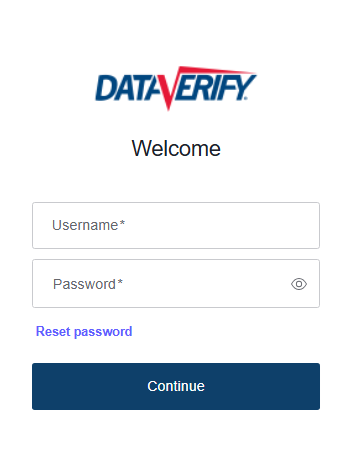
Please enter your DRIVE credentials here.
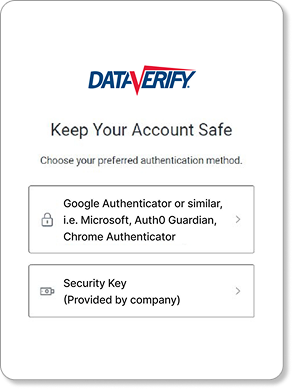
Choose your authentication method below.
If you downloaded one of the below mobile apps at the beginning of the process, click here.


If your company provided a security key,
click here.
Follow the below steps on your mobile device.
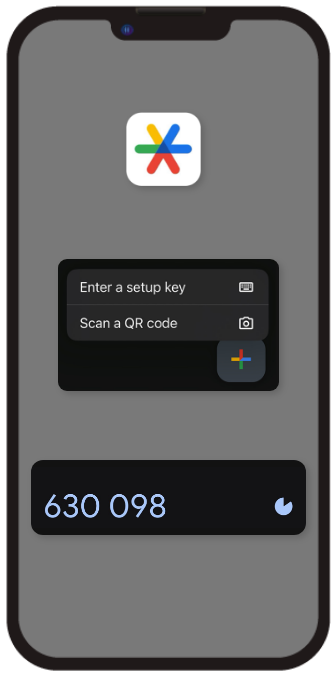
On your phone, open the Google Authenticator app (Or similar) you previously downloaded.
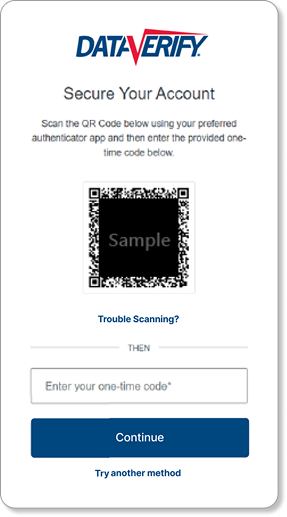
Scan QR Code within the Google Authenticator App (Or similar). Select the plus sign and "Scan a QR Code"
Enter the code presented in the app into Auth0
On future visits you will only need to provide the code that
Google Authenticator has designated for the Auth0 application.
Please log in using the chosen method for all future visits.
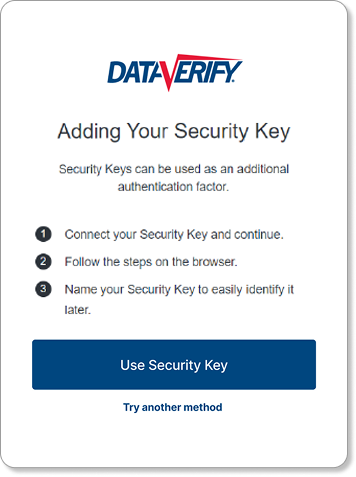
If you have a company issued security key, you can set it up using Auth0. Select
"Use security key"
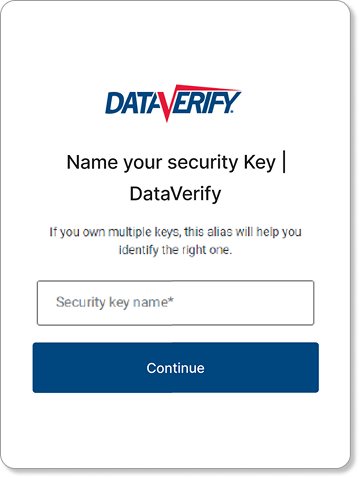
and follow the prompts. Name your security key so Auth0 can register it.
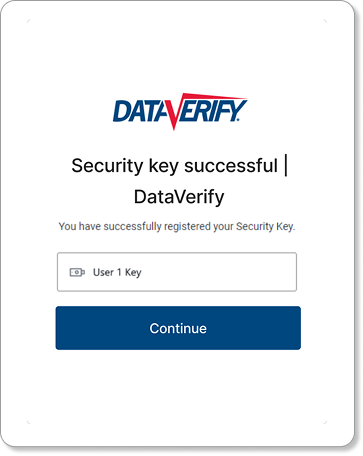
Once you have registered your security key with Auth0, you can use it to log in to DRIVE.
Please log in using the chosen method for all future visits.